What gets in the way of texting from Crelate?
A few common issues can make texting more complicated than it needs to be:
- Crelate's own text messaging is a paid add-on to its base plans.
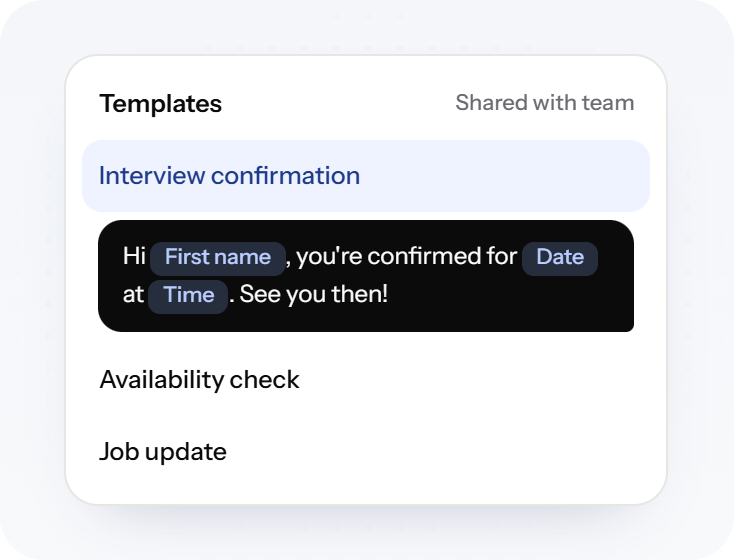
- Templates are available only on the higher Crelate texting tier.
- A text may not send if the candidate's number isn't saved as Mobile.
- Bulk texting through Crelate's RingCentral Connector is limited to 25 messages per send. (As of Aug 7th, 2026)
- When calling and texting use separate tools and numbers, conversations can become harder to follow.
- If recruiters rely on personal phones, the history may not be available to the rest of the team when someone leaves.
- Teams need a clear way to track and respect candidate opt-outs.
The best setup depends on which of these issues affects your team and the features you need.
How much does texting add to Crelate?
Crelate lists its own text messaging as an "additional fee," but doesn't publish the price. You'll need to contact Crelate for a quote.
With CallMantra, there's no separate Crelate texting add-on to purchase. Texting credits are included in each plan:
- Standard: 200 texts/user/month
- Pro: 500 texts/user/month
- Premier: 2,000 texts/user/month
Plans start at $20.95 per user per month when billed annually, with a three-license minimum. Additional usage costs 1.9¢ per text. There's also a one-time $69 charge per texting number for 10DLC registration and spam monitoring.
What are the different ways to send text messages from Crelate?
If you want to send text messages from Crelate, you have three options: use Crelate's own text messaging service, connect RingCentral, or choose a phone and texting provider such as CallMantra. The best option depends on whether you only need texting or want calling and texting in one place.
Crelate's own text messaging is a paid add-on, separate from its base plans. Crelate lists it as an additional fee but doesn't publish the exact price. You can purchase texting licenses through your Crelate settings, choose an area code, and assign a number to each user. If you need text templates, those are available on the higher L2 texting tier.
Crelate's RingCentral Connector is another option if your agency already uses RingCentral. It lets you send and track text messages from candidate contact profiles, use templates, and send bulk texts of up to 25 messages at a time. You can start a bulk send from a job dashboard, search results, or your contacts. It's worth considering if RingCentral is already part of your phone setup and its texting workflow meets your needs.
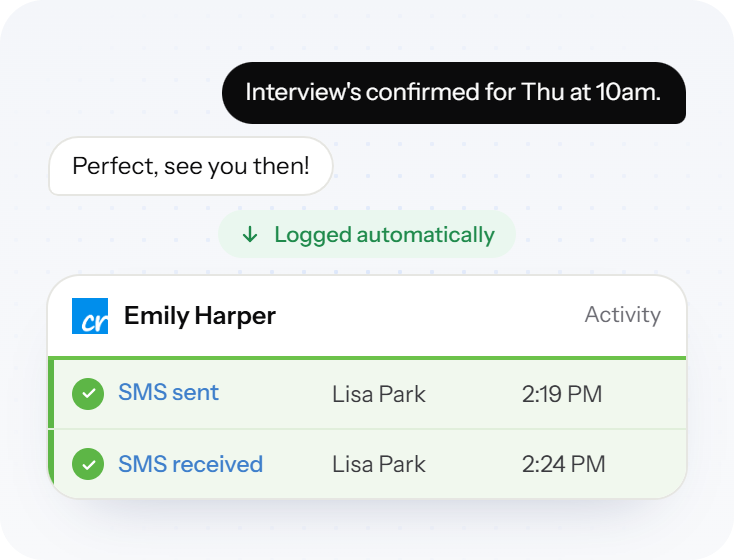
CallMantra is a good option if you want calling and texting together in one phone system. It doesn't require a separate Crelate texting add-on. Plans start at $20.95 per user per month with annual billing, with a 3-license minimum. Depending on your plan, each user gets 200 to 2,000 texting credits per month. Calls and texts use the same number, and both are logged to Crelate. Premier also includes Power SMS and SMS Sequencing, so you can send bulk texts and automate follow-ups.
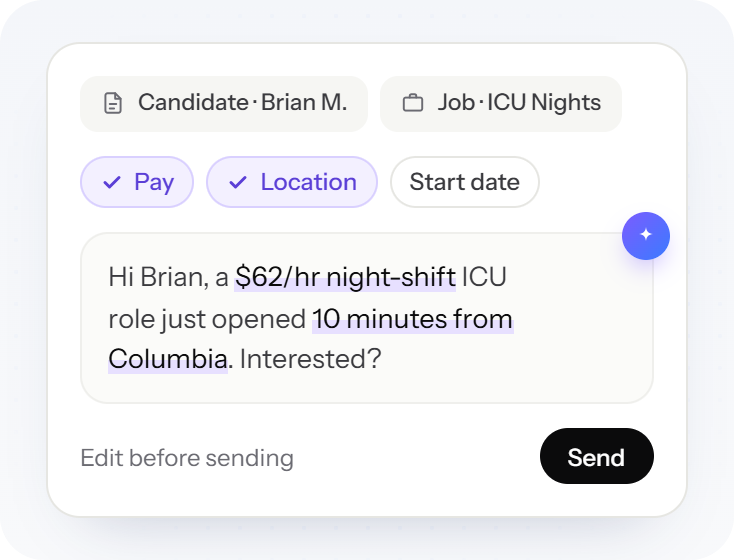
In short, Crelate's built in messaging works if you mainly need texting, RingCentral is convenient if you already use it, and CallMantra brings business calling, one-to-one texting, bulk SMS, automated sequences, and AI-powered call features together while keeping candidate activity logged in Crelate.
Does Crelate have texting?
Yes, it does. Crelate offers its own text messaging as a paid add-on, and it also supports texting through its RingCentral Connector.
Another option is to use a Crelate Marketplace partner such as CallMantra, which includes texting with its phone system.
The main difference is how texting is priced and managed, and whether you want your calling and texting workflows to run through the same provider.
What should I do before sending my first text from Crelate?
A little preparation can save your team from setup issues later. Before sending your first text message, run through these six things:
- Check candidate phone numbers - Make sure candidates' cell numbers are saved as Mobile in Crelate. This is required for Crelate's own texting options.
- Choose your business number - Decide which number candidates should see when recruiters call or text them. The setup can use one business number per recruiter.
- Complete 10DLC registration - US carriers require business texting numbers to be registered. If you're using CallMantra, registration is handled during onboarding.
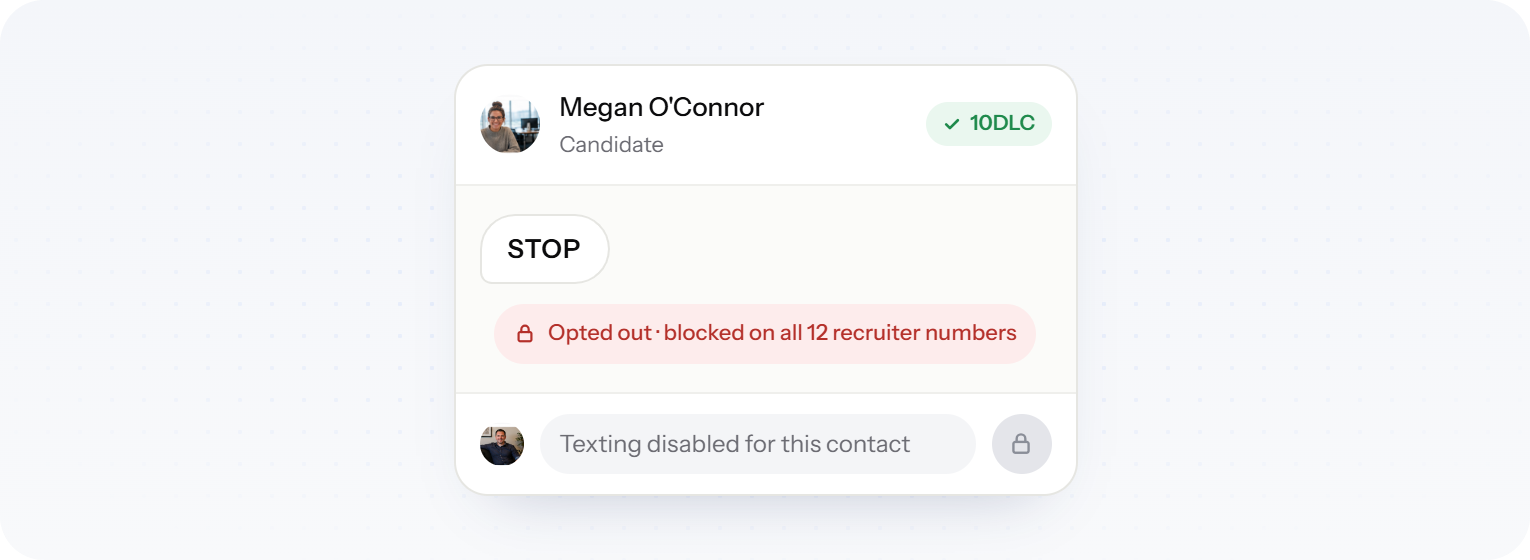
- Set clear opt-out rules - Make sure a candidate who replies STOP won't receive further messages from anyone at your agency, not just the recruiter who received the request.
- Plan for recruiter changes - Decide how you'll reassign numbers when someone leaves. Keeping numbers under the agency's control helps maintain continuity with candidates.
Can I text a whole shortlist from Crelate at once?
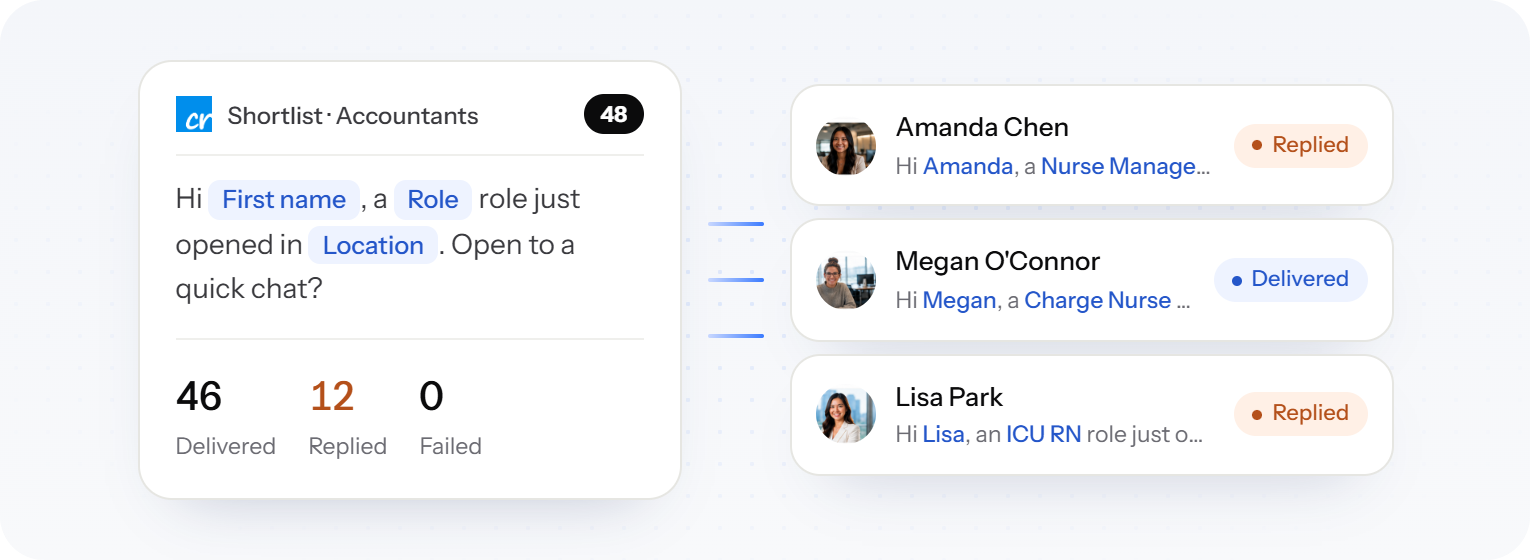
Yes. CallMantra's Power SMS lets you prepare one message for a group of candidates and personalise each copy. Replies return as individual conversations, with each one logged to the relevant Crelate contact.
Can texts go out as an automatic follow-up?
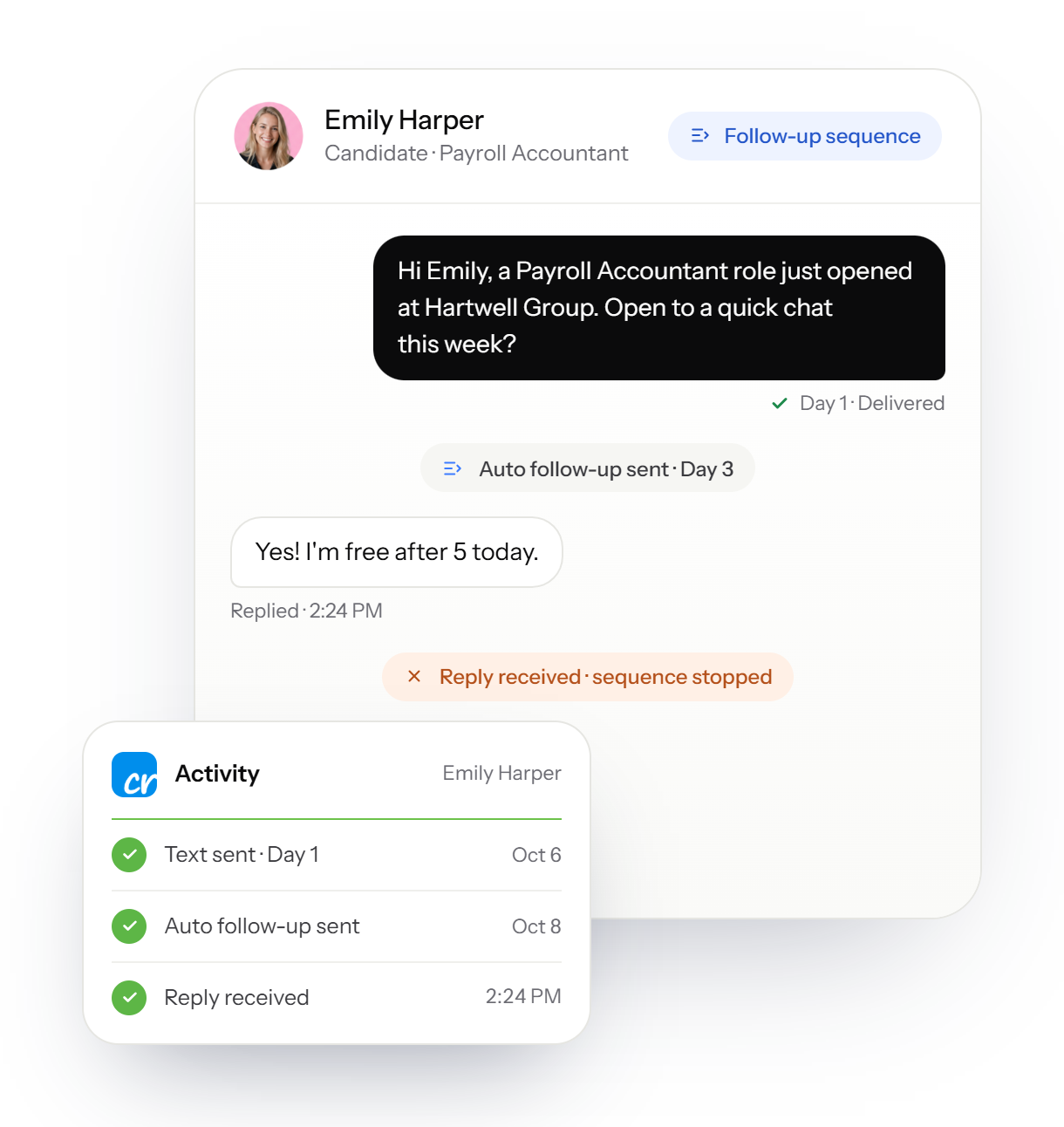
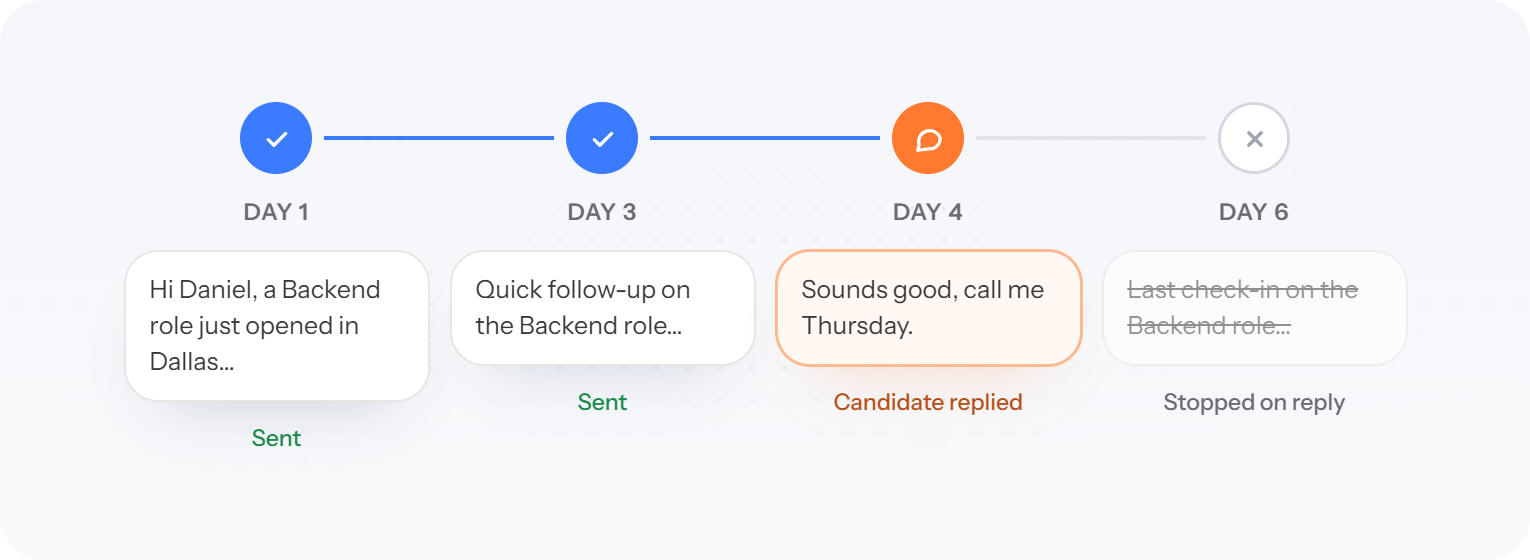
Absolutely. CallMantra's SMS Sequencing lets you schedule a series of text messages over several days. The sequence stops when the candidate replies, and each message is logged to Crelate.
We already pay for Crelate texting. Can we try CallMantra first?
Of course. You can start with one or two recruiters on a free 14-day trial, using their own numbers while the rest of the team continues with its existing setup.